Images
How to reduce image size without noticeably losing quality
Learn what really reduces image file size, how compression differs from resizing, and which format to choose for lighter images with good visual quality.
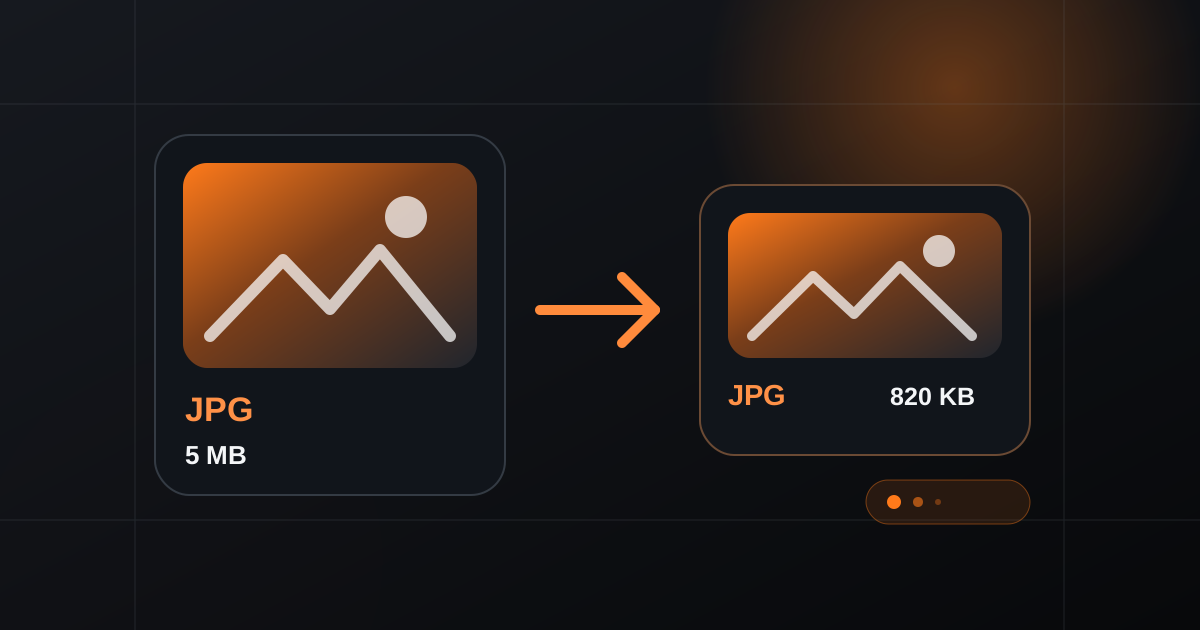
A lighter image loads faster, is easier to send and takes less storage. The challenge is reducing file size without turning a sharp photo into a visibly damaged one. The best result usually comes from combining the right dimensions, format and compression level rather than pushing a single setting to the extreme.
Start by separating compression from resizing
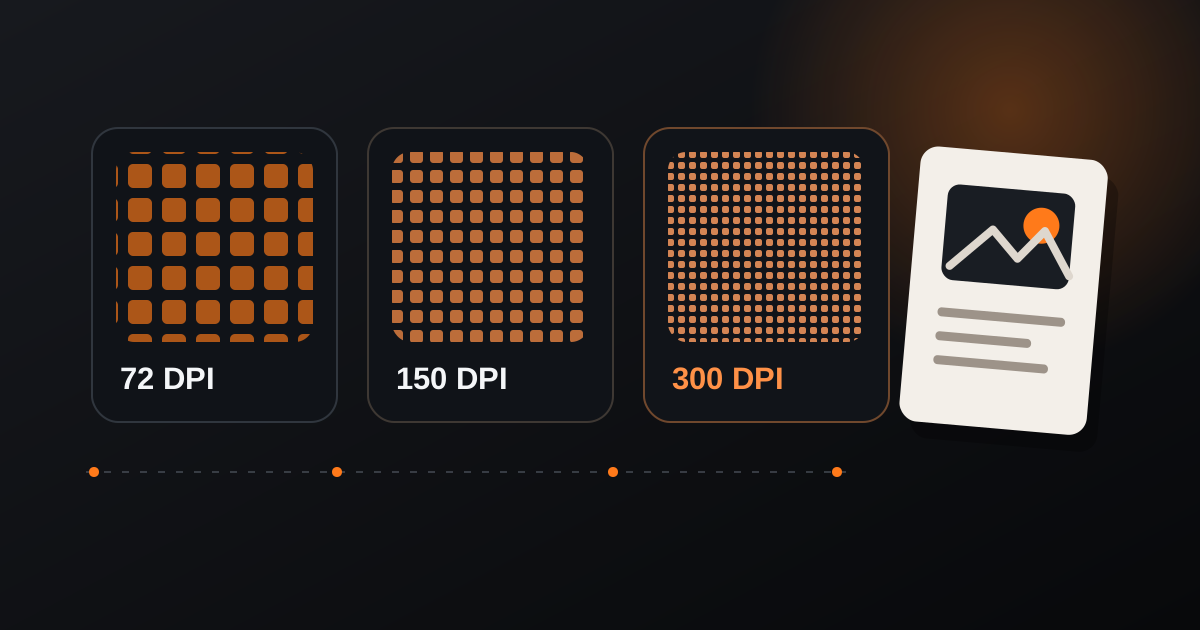
Compression reduces the amount of data needed to store an image. Resizing changes its pixel dimensions. They solve different problems, but they often work best together.
If a photo is 5000 pixels wide and will only be displayed at 1200 pixels, keeping all those extra pixels adds weight with little practical benefit. Resize it first, then compress the resulting file.
Choose the format according to the image
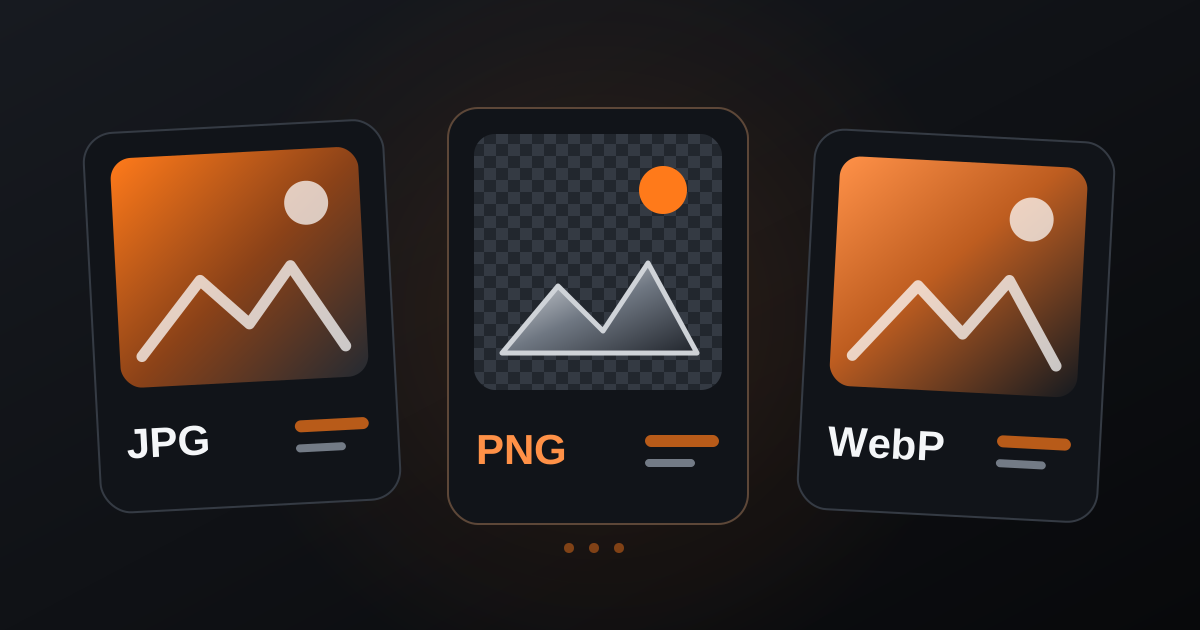
JPG remains practical for photographs and complex images. PNG is useful when transparency or very crisp graphic edges are important. WebP can often produce smaller files while keeping good visual quality, which makes it a strong choice for websites and many digital workflows.
There is no universal winner for every file. A logo with transparency and a photograph have very different needs, so compare the result instead of choosing only by extension.
Reduce weight in small, controlled steps
Begin with the dimensions the image actually needs. Then apply moderate compression and inspect details such as faces, text, gradients and fine edges. If the result still looks clean, reduce the file a little more.
This gradual approach is safer than applying maximum compression immediately. Once visible artifacts appear, the file may be smaller but no longer appropriate for the intended use.
- Keep an original copy before processing.
- Resize oversized images before compressing them.
- Check the final image at the size people will actually view it.
- Use WebP when compatibility with your destination is appropriate.
The best compression is not the smallest possible file. It is the smallest file that still looks right for its purpose. CONTROOLS lets you test compression, resizing and format conversion directly in the browser so you can compare results before deciding.