Images
JPG, PNG or WebP: which image format should you use?
Compare JPG, PNG and WebP in practical terms: file size, transparency, visual quality and the situations where each format makes the most sense.
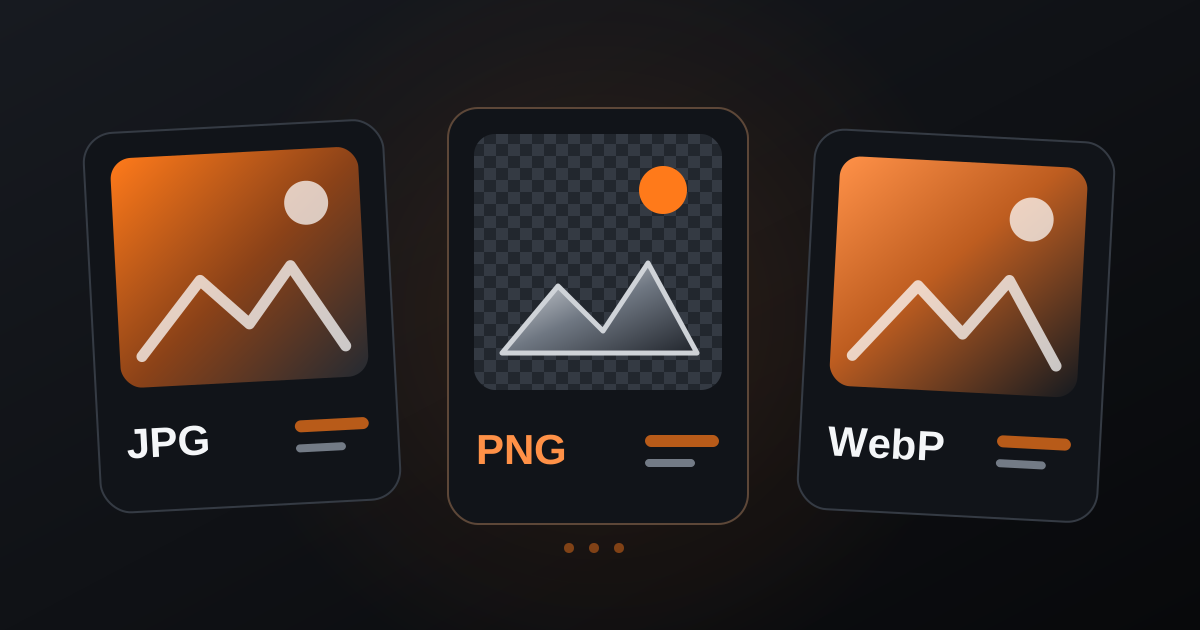
JPG, PNG and WebP can all store images, but they are optimized for different needs. Choosing the right format can reduce file size, preserve transparency and avoid unnecessary quality loss before you even touch a compression slider.
JPG: practical for photographs
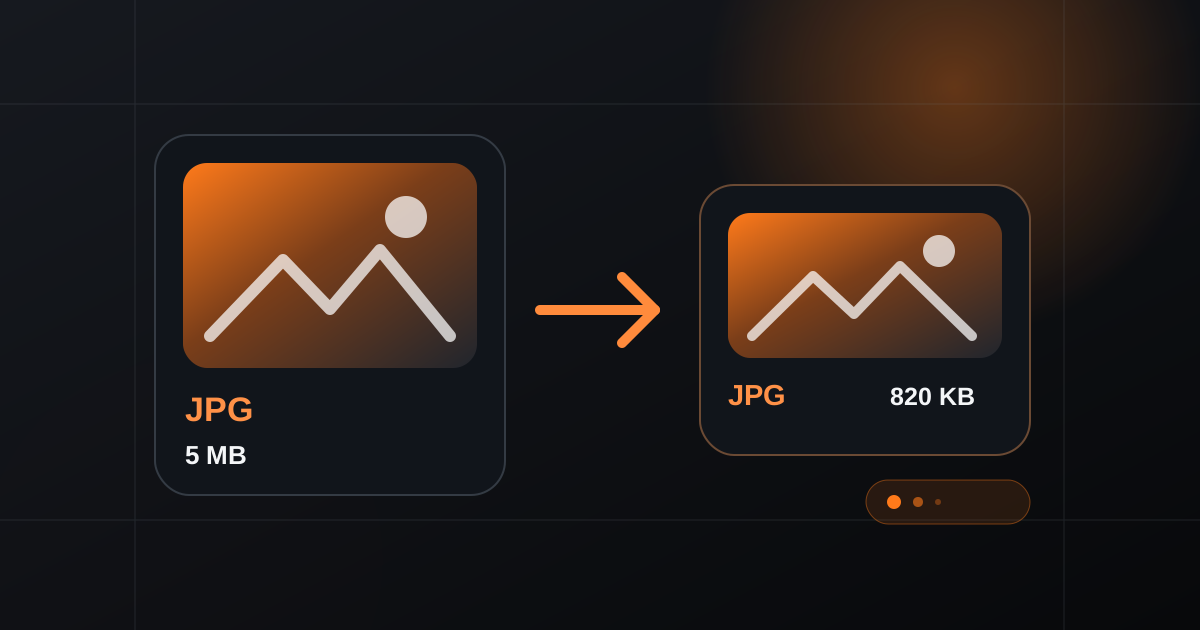
JPG uses lossy compression, which makes it efficient for photographs and images with many colors and gradual tonal changes. It can produce relatively small files, but repeated editing and aggressive compression can introduce visible artifacts.
It does not support the kind of full transparency commonly expected from PNG, so it is less suitable for logos and cutout graphics that need a transparent background.
PNG: strong for transparency and sharp graphics
PNG is a strong choice for interface graphics, screenshots, logos and images where transparency matters. Its lossless approach preserves exact image data better through saves, but files can become larger than equivalent photographic JPG or WebP files.
That makes PNG valuable when its specific strengths are needed, not necessarily as the default choice for every image.
WebP: a modern balance for the web
WebP supports both lossy and lossless compression and can also preserve transparency. In many web scenarios, it achieves a useful balance between file size and visual quality.
If your destination supports WebP, it is worth comparing it with the original JPG or PNG. Keep the source file as well, especially when future editing or compatibility with another workflow may be needed.
- Use JPG mainly for photographs when broad compatibility matters.
- Use PNG when transparency or lossless graphic detail is important.
- Compare WebP when you want lighter web assets.
- Keep an original master before converting between formats.
The best format depends on the image and its destination. Instead of converting everything to the same extension, choose according to transparency, detail, compatibility and file-size needs, then compare the final result.